IT services · Manila
Technology that fits the way you work
IT support, office networks, business systems and websites — built for how your team actually operates, not how a product brochure says you should.
One team IT · network · web · systems
2 systems Built and running
Services
Problems we're asked to fix
Most calls start the same way: something stopped working, something's too slow, or the team outgrew the current setup. Each job is scoped to what the office needs — and nothing it doesn't.
IT support · consulting · hardware
Computers and printers that keep interrupting work
Troubleshooting, preventive maintenance and software setup across every machine — plus straight hardware advice before you buy, so the budget goes to equipment that fits the workload.
- Workstation troubleshooting
- Preventive maintenance
- Software installs and updates
- Printers and peripherals
- Hardware advice and procurement
- IT planning and documentation
Networking · Wi-Fi
Wi-Fi that drops in half the office
We walk the floor, test signal where people actually sit, then cable, switch and place access points to match — and hand over a written map of how it's built.
- Cat6 structured cabling
- Managed switches and VLANs
- Access-point placement
- Firewall rules
- Isolated guest Wi-Fi
- Network documentation
Servers · storage · Synology NAS
Files on laptops, backups on a USB drive
A Synology NAS — or a rack server when the workload needs one — gives the team one shared place to work, with automatic backups, tested restores and alerts before a drive fails.
- Synology NAS setup
- Shared folders and permissions
- Local and offsite backup
- RAID and drive-health alerts
- Active Directory logins
- Rack servers
Web design · hosting
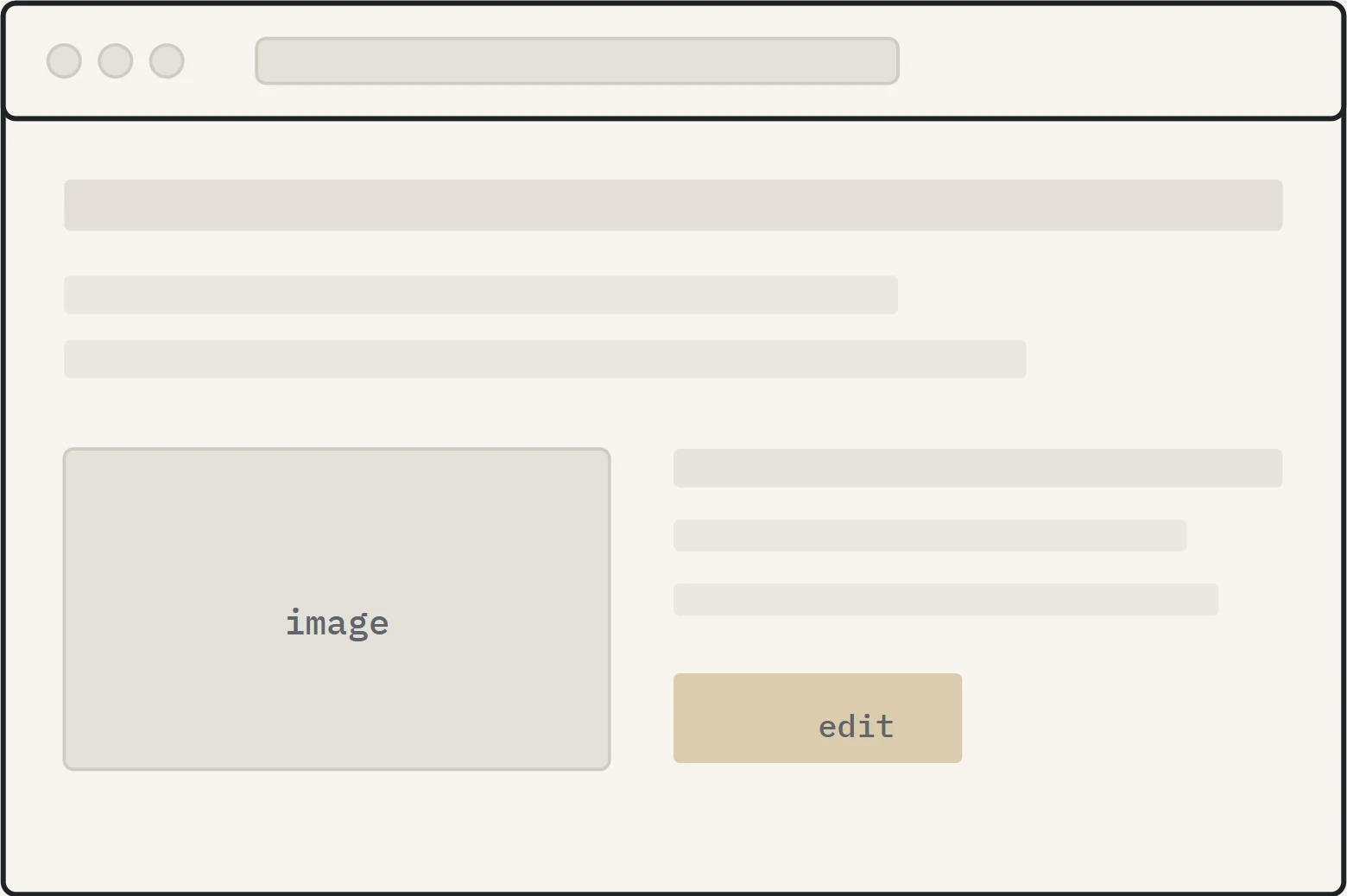
A website your team can update
WordPress design, hosting, SSL, domain and daily backups — handled by us. Your staff get a walkthrough on the actual site, so changing a page never waits on a developer.
- Design and development on WordPress
- Managed hosting with daily backups
- SSL, domain and DNS
- Content training and ongoing maintenance
Custom web applications
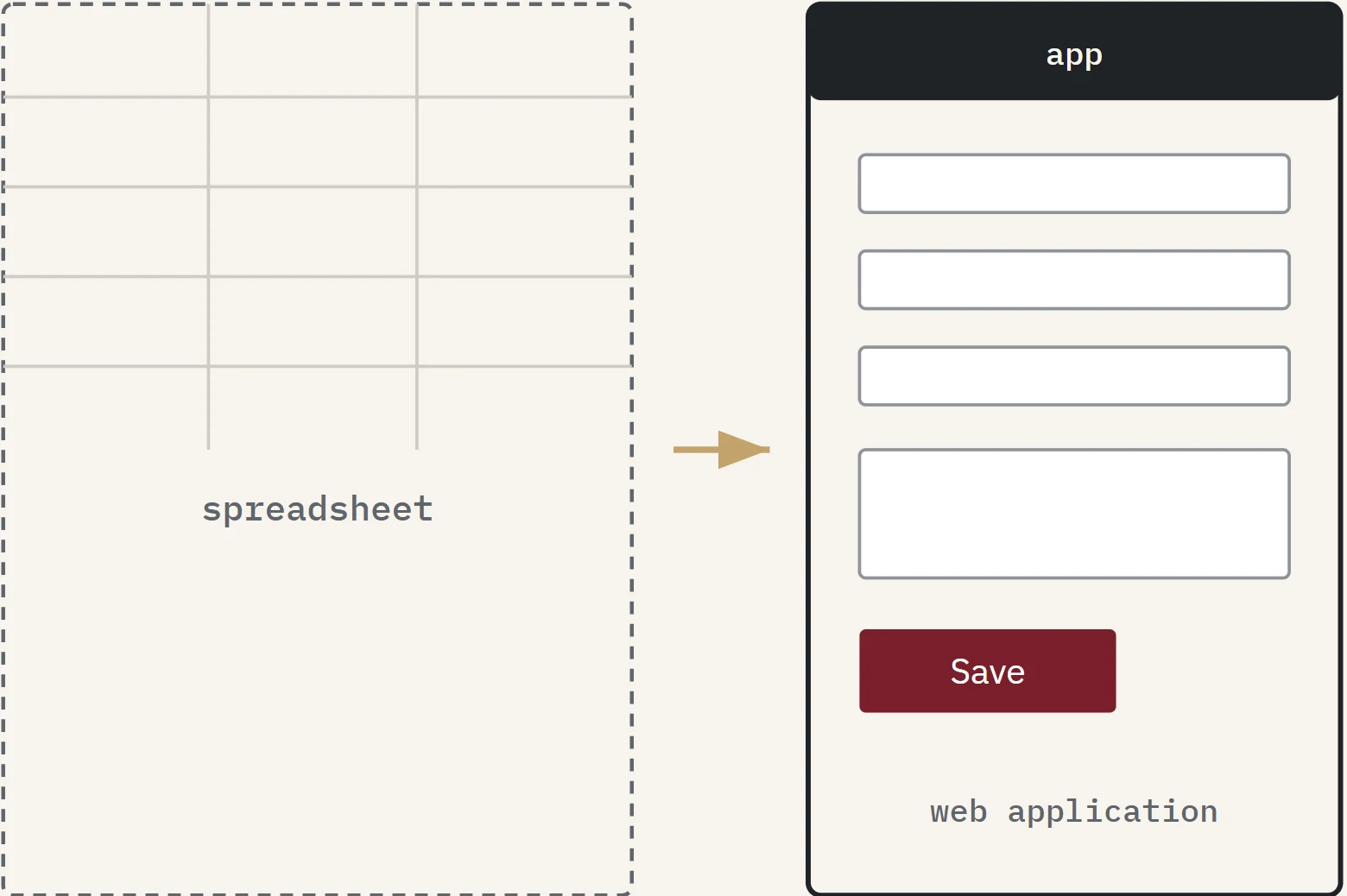
When a spreadsheet stops being enough
A browser-based application that follows the workflow your team already uses — validated forms, role-based access and reports from one source of truth. When the operation changes, the system changes with it.
- Forms and validation built for your process
- User roles and permissions
- Reports, exports and dashboards
Business systems
Two systems, built and running
Off-the-shelf software makes the business adapt to it. These were built the other way: each started from a specific workflow, was developed from scratch, and is used to manage real transactions.
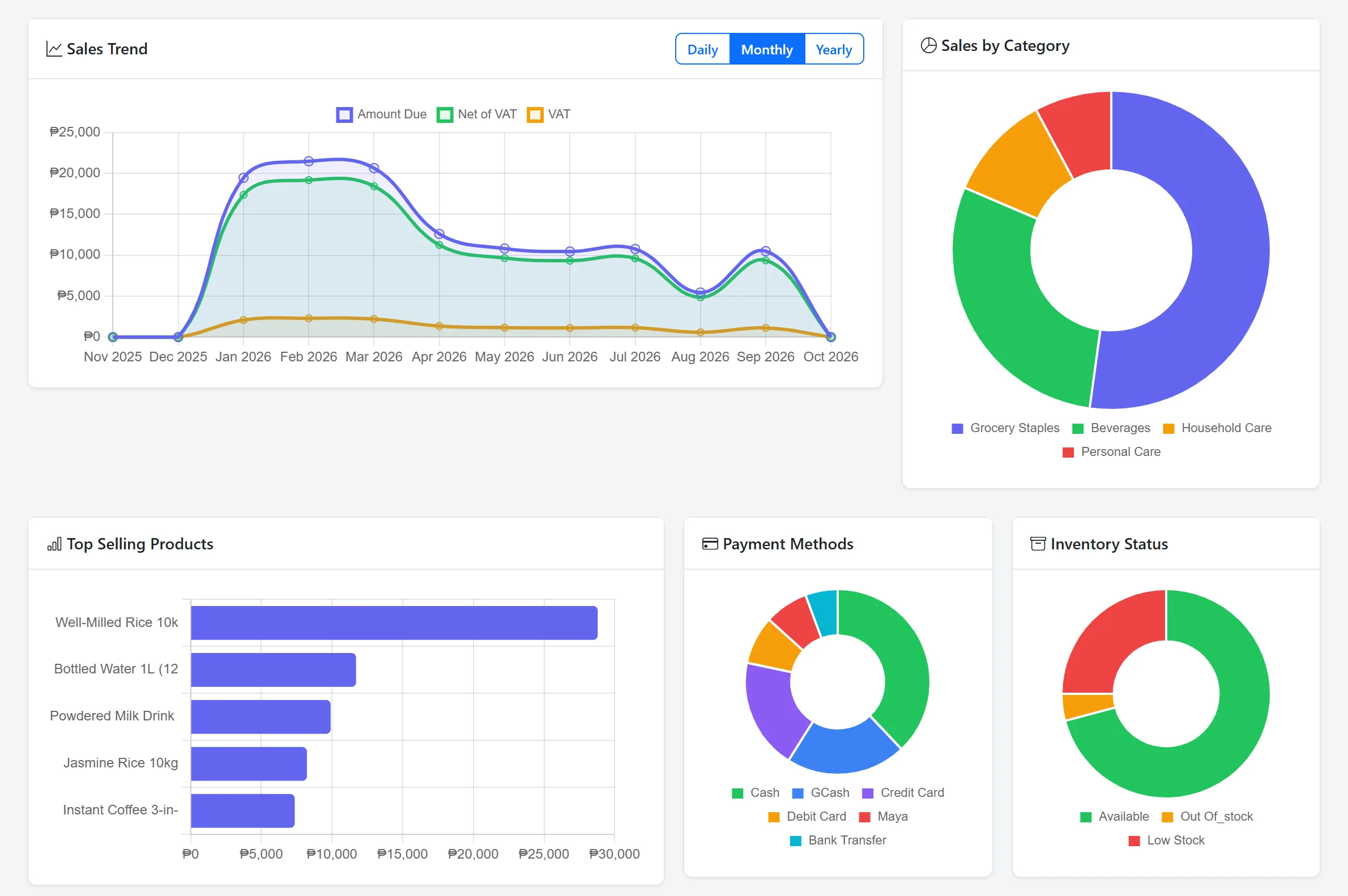
Sales & Inventory — Dashboard
Screenshot from the working system · sample data
System 01 · retail and distribution
Sales & Inventory Management
For distributors and shops that need stock, sales and invoices to agree. One workflow from purchase order to payment, with separate access for administrators and cashiers.
- Purchasing and receiving Purchase orders, supplier records and a goods-receipt step.
- Stock you can trust Real-time stock levels with low-stock alerts.
- Sales, invoices and payments Sales recording, invoicing, payment collection and reports with CSV export.
- Products
- Purchasing
- Stock
- Sales
- Invoice & payment
- Reports
System 02 · property and rentals
Property Rental Management
An admin back-office plus a public booking website, for operators managing units across several properties and buildings.
- Reservations to checkout Every booking tracked from pending through check-in and checkout.
- Contracts and deposits Rental contracts with security deposit and payment tracking.
- Payments the way guests pay Cash, GCash, Maya, bank transfer and card.
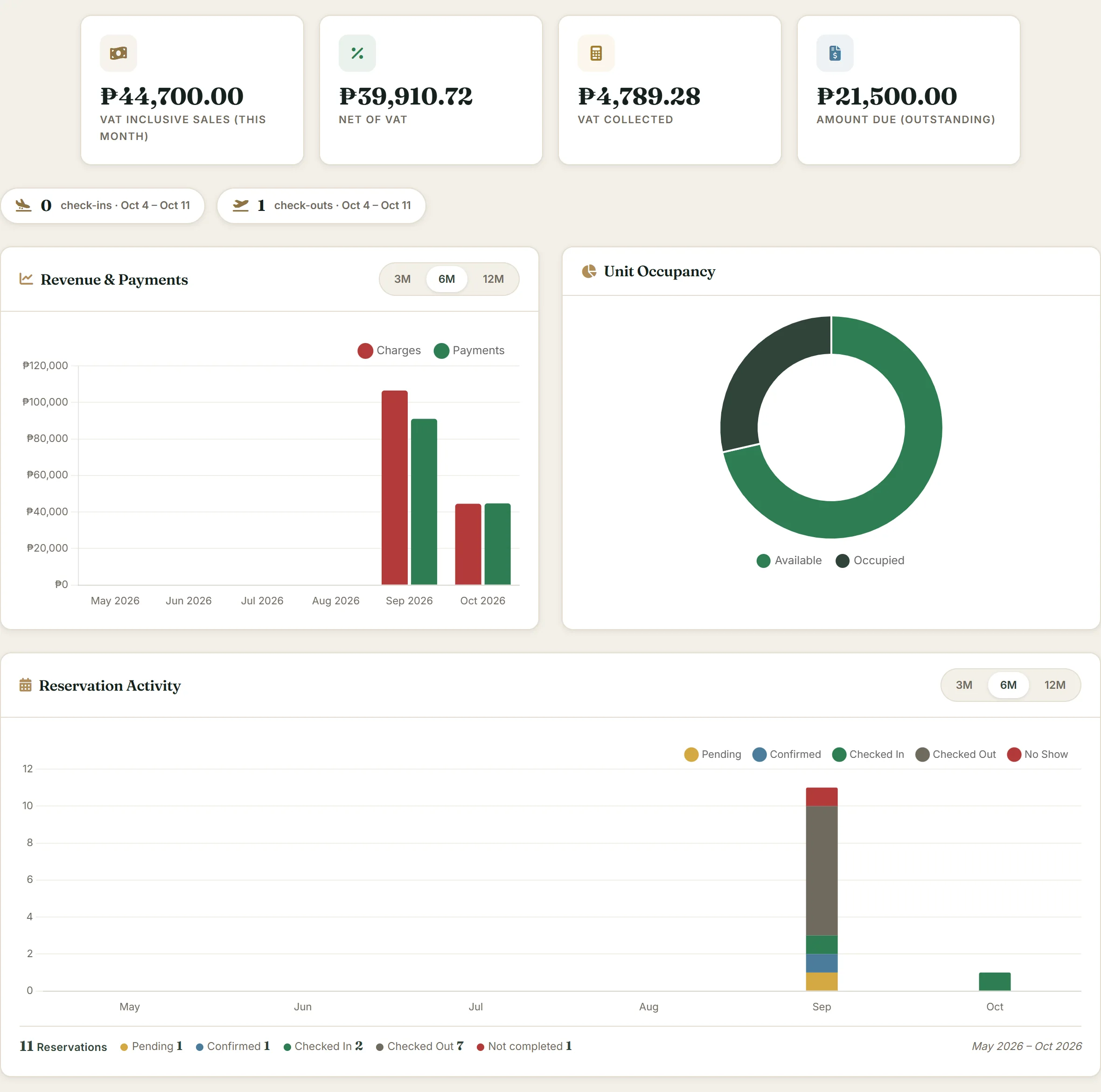
Property Rental — Dashboard
Screenshot from the working system · sample data
- Availability search
- Reservation
- Contract
- Deposit
- Check-in
- Checkout
How it works
How a project moves
The same six steps whether it's a Wi-Fi fix or a custom system. Scope only changes after a conversation.
Listen
Understand how the office operates before suggesting anything.
Assess
Check what's already in place — hardware, software, workflows.
Recommend
Propose an approach that fits the budget and the team's skill level.
Build
Install, configure or develop, keeping the team informed as it progresses.
Test
Confirm it works as agreed, with the people who'll use it daily.
Support
Stay available after handover. Problems get fixed, not deferred.
Why VCSP
What makes working with us different
One team, end to end
Networks, servers, websites and business systems — handled by the same people. No coordinating between vendors.
Honest about what you need
We won't recommend a rack server when a NAS is enough, or a custom app when a well-configured spreadsheet works fine.
Support that answers
When something breaks, you reach a person who knows your setup — not a ticket system that routes you to someone who doesn't.
About VCSP
A small IT company that stays small on purpose
VCSP Service Pro is a Manila-based IT services company working with small and medium offices, shops and property operators.
Most technology problems are business problems first. A slow network costs productivity; a manual inventory process costs accuracy. So we start from the workflow, not a product catalogue.
We keep the team small because that's how the work stays good: every project is handled by the people who set it up.
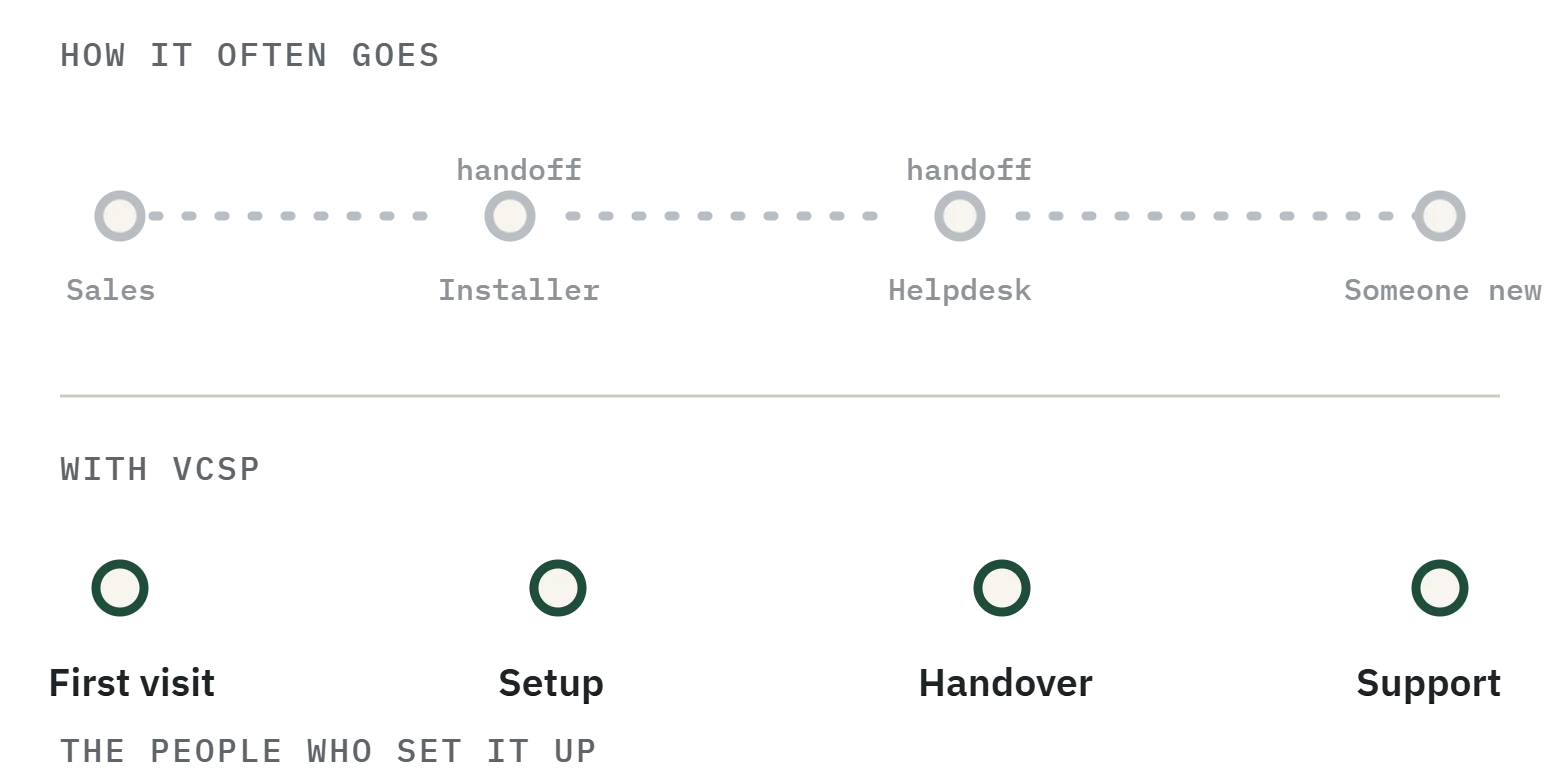
We're not trying to be the biggest IT company around. We're trying to be the one you don't have to explain things to twice.
FAQ
Common questions
Something not covered? Ask in the form below.
Which areas do you cover?
We work on-site with offices and businesses anywhere across Manila and its neighbouring cities. Remote services — website design, hosting and web applications — work from any location.
How long does a typical project take?
A network setup or server installation usually takes one to three days of on-site work, plus planning beforehand. A website is typically two to four weeks. A custom business system depends on complexity — we scope it together before committing to a timeline.
Do you offer ongoing support, or only one-time jobs?
Both. A one-time setup or repair is scoped and quoted on its own. Ongoing support covers regular maintenance, monitoring, troubleshooting and priority response when something breaks — we propose a plan after seeing how many devices and systems need cover.
What if we only need one thing?
That's fine — there's no minimum project size. If you only need a Wi-Fi fix or a single application built, we scope and quote that specific job.
Can you take over from our current IT provider?
Yes. We'll review what's in place, document the current setup, and handle the transition. We'll need admin access to your existing systems and a handover call with the outgoing provider if possible.
Can you build a system around the way our business already works?
Yes — that's the reason to build one. Inventory, rentals and reservations, invoicing, customer tracking, internal dashboards: if generic software forces workarounds, we build around the process instead. The two systems above are working examples.
Will our team be able to manage the website or system themselves?
That's the goal. Websites come with a walkthrough on your actual site; systems are built with clear screens and role-based access. When you need changes or support later, we handle those too.
Can you help with an existing website?
Yes. Whether it needs updates, a redesign, better performance, security improvements or ongoing maintenance, we'll review what you have and recommend what makes sense.
What should we prepare before getting in touch?
A short description of what you need is enough. For a system or application, knowing your current workflow and what you want fixed helps us give a useful first answer. You don't need a detailed specification.
Contact
Tell us what's slowing your office down
Describe it in your own words. We'll reply with follow-up questions or a practical next step — not a sales sequence.
Tondo, Manila
Send an inquiry
Fields marked * are required.